
LeonieLab
Vienna · NEST Innovation Challenge
LeonieLab is a free, open-source, browser-based application that helps students with motor impairments practice written arithmetic in a clear, grid-based format. The project was developed during the NEST Innovation Challenge at the University of Applied Sciences Campus Vienna, where interdisciplinary teams from computer science, occupational therapy, and medicine worked closely with affected users for 2 days straight.
Open the live appRole
Lead developer
Responsibilities
Technical direction and architecture
Requirements analysis (SRS)
High-level design (HLD)
Core implementation
Code quality and review
Team

Sara Hikal
Orsolya Nemere
1 Introduction
Leonie can reliably use her left index finger, but precise mouse control and frequent focus changes cause fatigue. Standard tools like Excel technically work, but require too many navigation steps and visual jumps.
Our initial idea was to improve the physical keyboard. But, as a team primarily focused on computer science, we shifted toward a software solution: a web application that makes written arithmetic easier and less physically demanding. By choosing an open-source approach, the solution can extend beyond a single use case and benefit a wider group of users.
LeonieLab was designed around a single principle: arithmetic should feel like writing on squared paper, predictable, spatially stable, and free of distractions.
Video: Quick App showcase.
1.1 Planning
We began by talking directly with Leonie to understand her challenges and usage patterns. Based on these insights, we defined a clear Software Requirements Specification (SRS) and a High-Level Design (HLD), which then guided the development of the application.
From the SRS (what must work): a grid-based worksheet; one digit allowed per cell; automatic detection of the chosen arithmetic operation; correct formatting without revealing the solution path; easy exporting options to PDF.
From the HLD (how it should work): a small, keyboard-first UI on top of a clearly separated application logic layer, supported by three focused modules: Document Service, Formatting Engine, and PDF Exporter.
After this, I prepared the working environment, the shared workspace, a figma project as well as a progress tracking board. This was followed by setting up a simple WebApp project structure and inviting all team members to the repository.
1.2 Development
Development followed short iteration cycles with frequent reality checks. Grid spacing, focus behavior, and contrast were adjusted repeatedly based on observed use, not assumptions.
The UI’s job is simple: render cells, caret, and feedback. The application logic decides where input goes, how the grid reflows, and when formatting rules apply. Keeping this separation strict made changes safer and easier to reason about.
1.3 Team Workflow
Given the four-week development timeline, our team worked in short feedback loops with weekly task assignments and regular progress reviews. My role was to coordinate this process, to make sure that each team member could contribute meaningful functionality, and maintain a complete overall structure as the system evolved.
1.4 Personal Lessons
Although development stage of the project was short, it taught me a lot about taking initiative and the leadership role in practice.
- Setting deadlines doesn't mean ensured delivery. As a lead developer I should check progress earlier than planned.
- Trust doesn't mean verification. Progress needs to be made visible through demos, not just verbal updates.
- As a lead developer I should guide the team members. This means always staying involved and available, guiding the team when motivation drops, and communicating more than initially feels necessary.
- I learned that I need to double-check everything and invest more time not in development, bur rather in making sure that our goals and specifications are being met.
2 Gallery
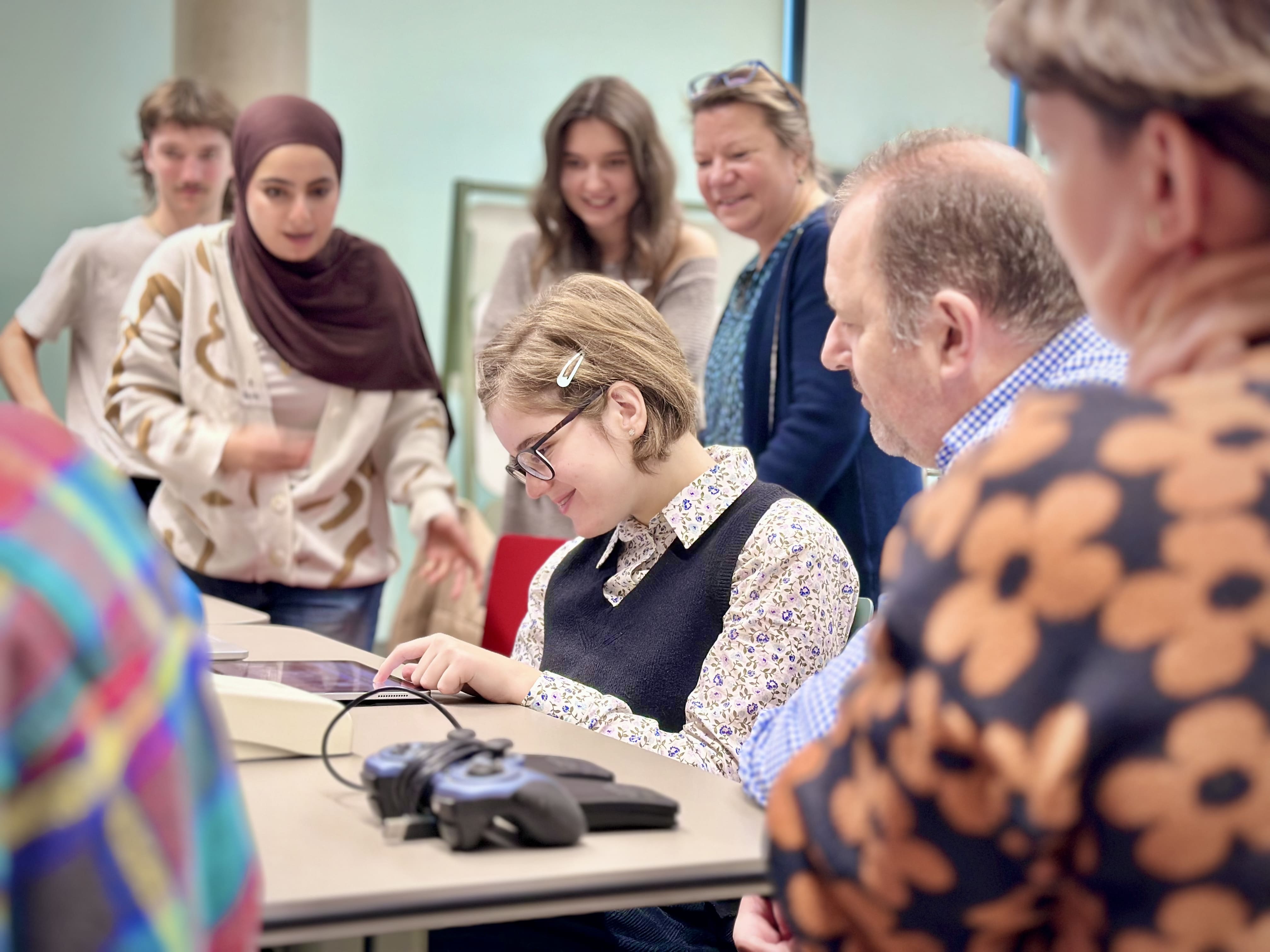
Figure 1: Leonie trying out different inpout devices.
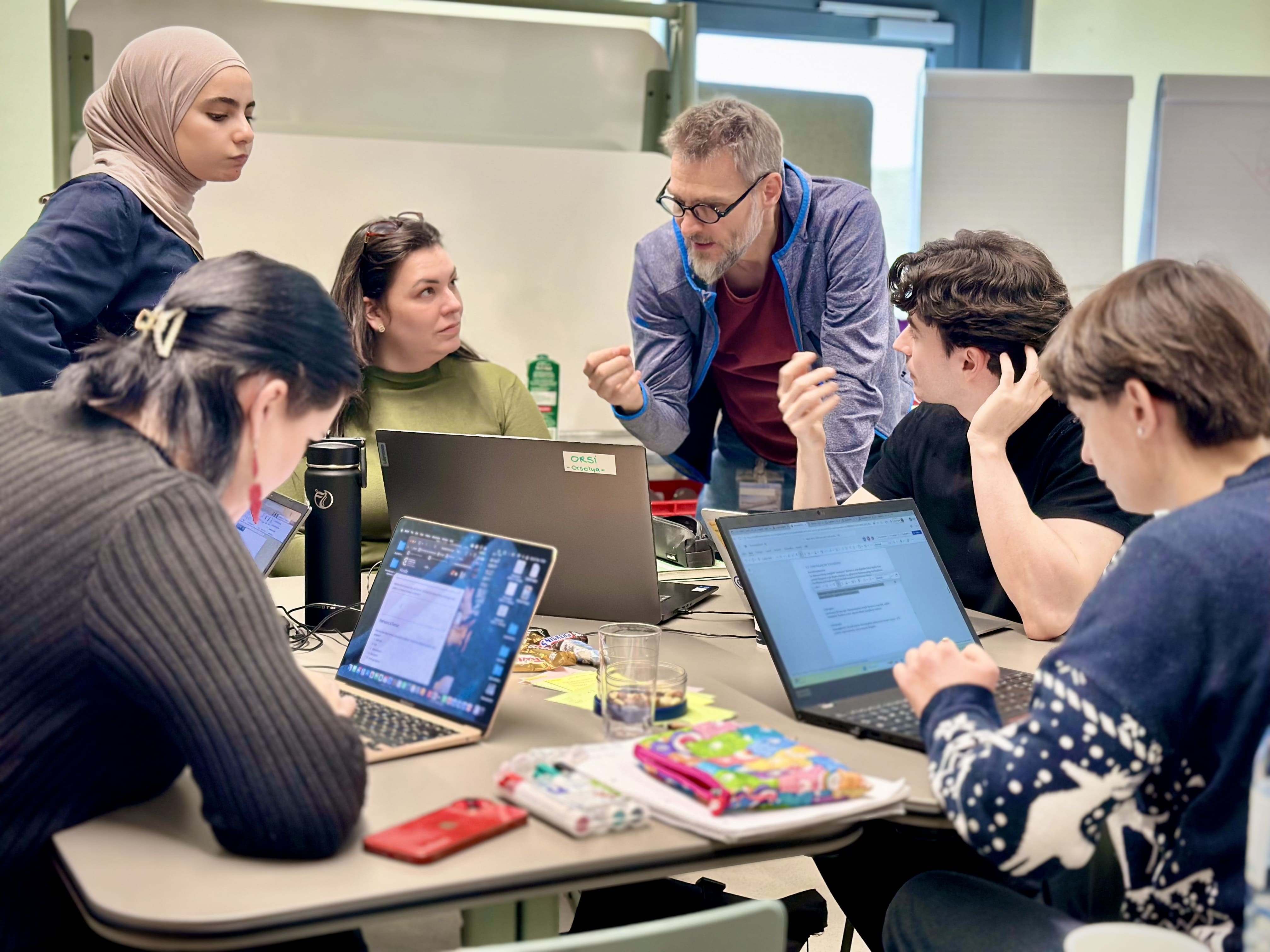
Figure 2: Our NEST Team discussing ideas for an app.